
GB WhatsApp Pro APK Download for Android 2026
GB WhatsApp Pro is a modified Android app made by third-party developers, not Meta. It keeps the main WhatsApp tools but adds more control over typing signs, message ticks, deleted messages, themes, scheduling, and other app settings.
Version
18.80
File Size
111.3 MB
Android
5+
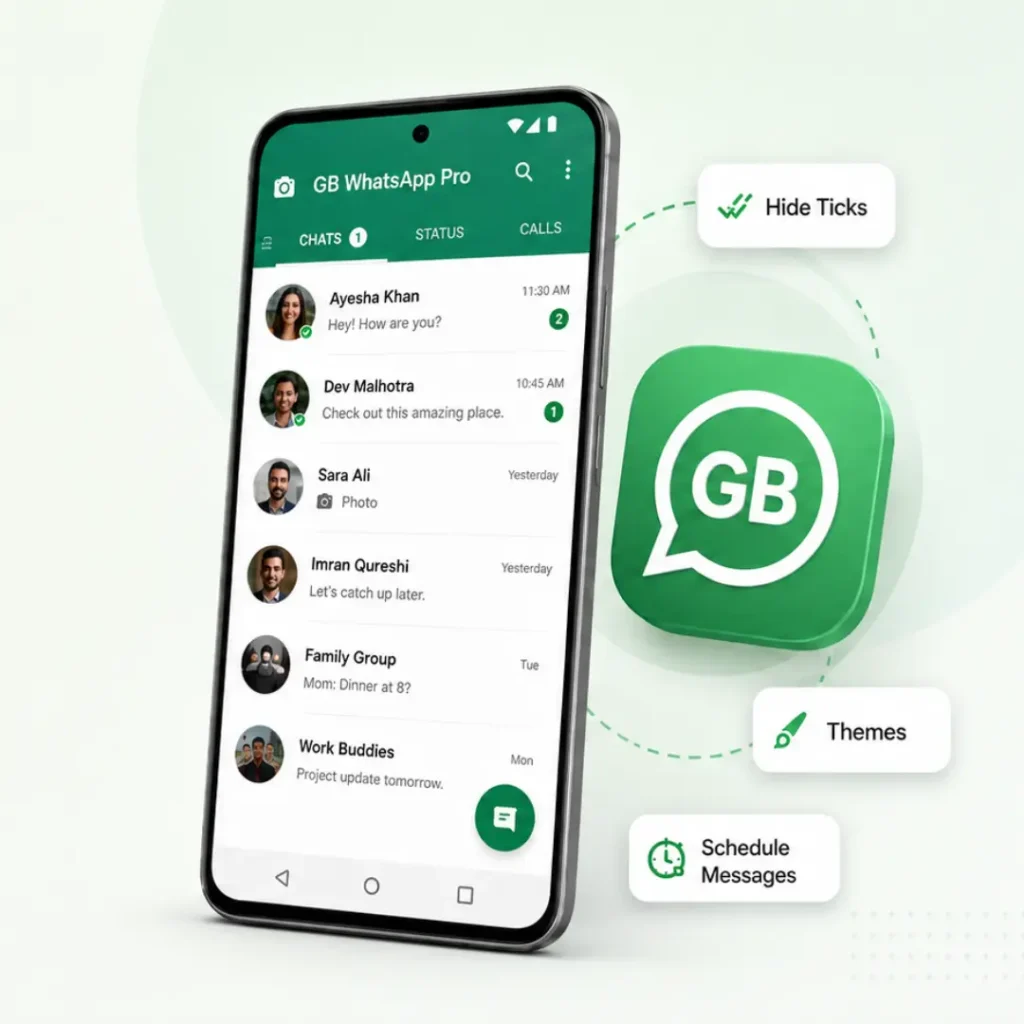
Current GB WhatsApp Pro APK Details
| App Details | Information |
|---|---|
| App Name | GB WhatsApp Pro |
| Version | v18.80 |
| File Size | 111.3 MB |
| File Type | APK |
| Android Requirement | Android 5.0 or later |
| Base Version | 2.25.15.80 |
| Installation | Manual APK Install |
| Developer | AlexMods |
| Last Updated | August, 2026 |
How We Checked This GB WhatsApp Pro Build
We tested this APK on an Android phone before writing about its features. We checked the installation, privacy settings, themes, scheduling, and file details.
- Installation and verification: The APK installed and opened normally. A second phone number also received the SMS verification code.
- Privacy controls: Hide Online worked during our test, and the other contact could not see the account as online. The play receipt for a voice note also stayed hidden when the related setting was turned on.
- Themes and app lock: The selected theme remained after reopening the app, although some icons kept their previous style. App lock also appeared again after the app was closed and reopened.
- Message scheduling: A scheduled message was sent at the selected time while the phone was connected to the internet.
- File details: We checked the file name, version, size, package details, Android requirement, and file hash for the APK used in the test.
These results apply to the build we tested. Another version or Android device may behave differently.
GB WhatsApp Pro APK Verification Details
We used the SHA-256 hash and VirusTotal report to identify and check the exact APK listed on this page.
| Check | Details |
|---|---|
| APK Version | v18.80 |
| File Size | 111.3 MB |
| SHA-256 | 0760cd944af076245fa1de21133e182d24a66bcb5ea4e544b7b1ecf482bd0de2 |
| VirusTotal Result | View Scan Result |
| Scan Date | 14 August, 2026 |
The SHA-256 should match the file you download. If the hash is different, the VirusTotal report does not apply to that APK.
VirusTotal can help identify known threats, but a scan result does not guarantee that an app is completely safe or that future versions will have the same result.
What Is GB WhatsApp Pro
GB WhatsApp Pro is an unofficial app made for Android users. People often call it a mod APK, which just means a changed version of the original app file. The developers are independent. They have no connection to Meta or WhatsApp Inc.
It looks and works a like real WhatsApp. Same basic layout. Same core messaging function. But it also has extra features that the official app doesn’t offer. It’s not an approved app, so you won’t find it on the Google Play Store or Apple App Store. You have to download it as an APK file from a third-party website and install it manually. This means turning on install from unknown sources on your phone.
It’s been around for years. New versions and names keep showing up as developers try to keep pace with WhatsApp’s own updates. There’s no single team behind it. Different groups have built and maintained their own versions over time. That’s a big reason why safety and quality can vary so much depending on where you download it from.
GB WhatsApp Pro Features
More Control Over What Others See
Not every privacy tool in GB WhatsApp Pro is new. Official WhatsApp already lets users control their last seen, online status, read receipts, and locked chats. The main difference is that some builds provide separate controls for typing, recording, message ticks, and status views.
Hide When You Are Online
Opening the app does not always mean that everyone needs to see you online. On the build we tested, Hide Online worked separately from typing, recording, ticks, and status views. Hiding your online status does not make the whole account invisible, so check each privacy switch on its own.
Choose Which Ticks Others See
One grey tick means the message was sent. Two grey ticks show that it reached the phone. Blue ticks tell the sender that it was read. Some builds let you hide the blue ticks, delivery ticks, or both. The message still reaches the phone and opens normally. Only the sign shown to the sender changes.
View a Status Without Joining the Viewer List
The status privacy switch can keep your name out of the viewer list. Turn it on before opening the status. Changing it later may not remove a view that was already recorded. This setting only affects status views. It does not hide your online time, typing activity, or message ticks.
Lock a Chat Without Locking the Full App
Official WhatsApp already supports locked chats. Some builds may add another lock method, a separate password, or a hidden area for selected chats. A chat lock protects messages from someone holding your phone. It does not remove the chat from the other person’s phone.
Stop Notifications from Showing Private Text
A locked chat can still reveal details on the lock screen. The sender’s name or part of the message may appear before the app opens. Turn off message previews for private chats. Then check the phone’s own notification settings. Android has the final control over what appears on the lock screen.
More Ways to Handle Messages
GB WhatsApp Pro includes shortcuts for replies, scheduled messages, and chats with unsaved numbers. Some of these functions are also available in official WhatsApp or WhatsApp Business, but the way they are accessed can differ.
Send a Set Reply While You Are Away
Auto-reply sends a message written in advance. It works well for a simple note such as: “I am busy right now. I will reply this evening.” The app sends the reply you saved. It does not create a different answer for each message. Everyone covered by the same rule may receive the same reply. Check the selected contacts and times before turning it on.
Write a Message Now and Send It Later
A birthday wish, payment reminder, or work update can be written before it is due. Choose the chat, date, and time, then save the schedule. During our test, the message sent at the selected time while the phone stayed connected. Battery saver, background limits, or a weak connection may still delay it.
Message a Number Without Adding It to Contacts
A delivery driver, customer, or repair worker may only need one quick message. The in-app shortcut opens the chat without filling the contact list with temporary numbers. This is a shortcut rather than a GB-only ability. Official WhatsApp also supports chats with unsaved numbers through click-to-chat links. Enter the full country code. Remove the first zero from the local number when the country format requires it.
Read a Message Deleted After Delivery
This feature only works when the message reaches your phone before the sender deletes it. It cannot recover a message that never arrived. A photo, video, or voice note may also be missing when the file was not downloaded first. This is why the result is not the same for every deleted item.
Pause the app Without Turning Off the Internet
DND mode stops the app from using the connection while other apps stay online. New messages wait until DND is turned off. This is not the same as muting a chat. Muting stops the sound after a message arrives. DND stops the app from receiving the message at that time, so the sender may only see one grey tick.
Make the App Look the Way You Prefer
Design changes stay on your phone. They do not change the chat screen seen by the other person.
Change Several Parts with One Theme
A full theme can change the colours, background, buttons, menus, and chat bubbles together. The theme we tested stayed in place after reopening the app, but a few icons kept their previous style. Check that text and buttons are still easy to read before keeping a new theme.
Change One Part Without Replacing Everything
A full theme is not needed when only the font or bubble colour looks wrong. Open the related design setting and change that part alone. Very small fonts may look clean but make long chats harder to read. Bright bubbles can also hide the message time or tick marks. Pick a design that still works during daily use.
Rearrange the Home and Chat Screens
Some builds let users move tabs, change navigation bars, or hide parts of the home screen. After changing the layout, an option may appear in a different place from the one shown in an online guide. Reset the layout before deciding that a feature has disappeared.
Change Icons Without Changing How the App Works
The app icon and message tick style are visual changes only. A new tick shape does not change whether a message was sent, delivered, or read.
More Choice When Sharing Media
Media limits can vary between GB WhatsApp Pro builds. Official WhatsApp also supports HD media and documents up to 2 GB, so larger or higher-quality files are not always unique to the modified app.
Keep More Detail in Photos and Videos
Check the media quality options before sending a photo or video. Choose the highest option when you want to keep more detail. A clearer file may take longer to send. It can also use more mobile data. The exact quality choices depend on the build installed on your phone.
Check the Limit Before Sending a Large File
Different download sites list different limits for videos, audio, and documents. File limits can differ by build and file type. Check the limit shown inside your version instead of relying on a number listed for an older APK. Official WhatsApp already supports files up to 2 GB.
Keep Chat Media Out of Your Gallery
A busy group can fill your gallery with photos and forwarded videos. Open the chat settings and look for the media visibility option. Turn it off for chats whose files you do not want in the gallery. The photos and videos will remain inside the chat.
Save a Status Without Taking a Screenshot
Some builds show a download icon when you open a status. Tap it to save the photo or video to your phone. The file may appear in your gallery or a GB Status folder. The button and folder location can change with the build. Ask the person before posting their status somewhere else.
GB WhatsApp Pro vs Official WhatsApp
Both apps support chats, calls, groups, and file sharing. The main differences appear in extra controls, installation, updates, backups, and support.
| Area | GB WhatsApp Pro | Official WhatsApp |
|---|---|---|
| Developer | Made by independent third-party developers | Made and supported by Meta |
| Installation | Installed manually through an APK file | Installed through Google Play or the App Store |
| Updates | A new APK must be downloaded and installed by hand | Updates arrive through the official app store |
| Extra Controls | May include more options for ticks, typing signs, themes, scheduling, and DND mode | Includes supported privacy, design, and messaging tools |
| Account Support | Using an unsupported app may lead to warnings or restrictions | Supported for normal WhatsApp account use |
| Help and Support | Meta cannot fix problems inside the modified app | Official help and support are available |
| Backups | Chats may not restore cleanly when switching apps or builds | Backups use supported WhatsApp methods |
| File Source | Safety depends on the exact APK, developer, and download source | The app comes from Meta through an official store |
GB WhatsApp Pro gives more control over some settings, while official WhatsApp offers a supported update, backup, and help system.
Before You Download GB WhatsApp Pro
What Happens to Your Chats When You Switch?
Moving between official WhatsApp and GB WhatsApp Pro is not the same as updating one app. A backup may not appear when the package, folder, phone number, or file location is different. Keep the old app until your chats appear in the new one. Save important photos, videos, voice notes, and documents separately before switching.
Official WhatsApp may not accept every backup created by a modified app, so do not depend on one backup for anything important.
How to Install GB WhatsApp Pro on Android
Before installing the APK, save your important chats and make sure your phone has enough free space.
Download the GB WhatsApp Pro APK
Download the complete APK file and wait until it is fully saved on your phone.
Allow APK Installation
Android may ask for permission to install apps from your browser or file manager. Allow it only for the app holding the APK. You can turn this permission off again after installation.
Open the APK File
Go to the Downloads folder and tap the APK. Read the message shown by Android before choosing Install. Stop if the file tries to replace an app you did not plan to remove.
Install and Verify Your Number
Wait until Android finishes the installation, then open the app. Enter your phone number with the correct country code and type the code sent by SMS or phone call. Never share this code with another person or website.
Restore Your Chats
Choose Restore if the app finds your backup. Check that the backup belongs to the correct number before continuing. Keep the previous app until your chats and media appear correctly.
Can You Use GB WhatsApp on a PC?
A GB WhatsApp Pro APK cannot install directly on Windows or macOS because APK files are made for Android. The simpler option is to link the phone with WhatsApp Web or the desktop app. Open Linked Devices in the app, scan the QR code, and check whether the current build accepts the connection. Only the main chat tools will appear on the computer. Themes, DND mode, privacy switches, and most modified settings remain on the Android phone.
An Android emulator is another option. It creates a virtual Android phone on the computer and lets you install the APK inside it. Number verification, notifications, updates, and backups work differently in an emulator. Our GB WhatsApp for PC guide explains both methods step by step.
Can You Install GB WhatsApp Pro on an iPhone?
No. The Android GB WhatsApp Pro APK cannot run on an iPhone because iOS does not support APK files. Some websites use titles such as “GB WhatsApp Pro for iPhone,” but they may offer a different app, a configuration profile, an expired certificate, or an unrelated download.
These methods can stop working after an iOS update or certificate change. Chat backups may also fail, and the file may come from a source that Apple or Meta has not checked. Jailbreaking the iPhone can weaken device security and cause problems with apps, certificates, and future iOS updates. Our GB WhatsApp for iPhone guide explains these risks and why official WhatsApp is the supported choice for iPhone users.
How to Update GB WhatsApp Pro Without Losing Chats
GB WhatsApp Pro does not update through Google Play. A newer APK must be installed over the version already on your phone.
- Back up your chats and save important photos, videos, voice notes, and documents before starting.
- Check the new APK to make sure it uses the same package and signature as the installed version. A file from another developer may cause a package conflict or signature error.
- Open the new APK and choose Update when Android shows that option. Do not uninstall the current app first because this may remove local chats and settings.
- Check the app after updating. Open recent chats and make sure your media, themes, notifications, and privacy settings still work as expected.
Stop if Android shows a package or signature conflict. Find a build that matches the version already installed instead of deleting the current app just to force the update.
Need an Older GB WhatsApp Pro Version?
An older build may help if the latest version does not install correctly or no longer works well on your phone. Before going back, check the Android version, package, and backup because older APKs may not work with current login or app changes.
You can check our GB WhatsApp Pro Old Versions page to compare earlier builds and choose a version that matches your device.
Common GB WhatsApp Pro Problems and How to Fix Them
Save important chats before uninstalling the app or clearing its data. Then find the problem below and try the related fix.
The GB WhatsApp Pro APK Does Not Install
The APK may fail to install when your phone has low storage, the Android version is not supported, or the file did not download fully. Check the free space and Android version, then download the complete APK again. A signature error usually means the new file does not match the version already installed.
The Verification Code Does Not Arrive
Check the phone number and country code first. Your SIM must be active and able to receive an SMS or phone call. If you requested the code several times, wait for the timer to finish before trying again. Never share the verification code with another person or website.
Messages Stay on One Tick
Messages may stay on one tick when DND mode is active, the internet connection is weak, or the app cannot run in the background. Turn off DND mode, check the connection, and allow background access. Battery restrictions can also stop new messages from arriving on time.
Notifications Arrive Late
Android may limit GB WhatsApp Pro when it stays in the background for too long. Remove battery restrictions, allow background data, and make sure notifications are enabled in both the app and your phone settings.
The App Closes or Freezes
Low storage, an incomplete update, or an unsupported build can make the app close or freeze. Restart the phone and clear only the app cache first. Do not clear app data unless your chats are already backed up.
Chats Do Not Restore
Chats may fail to restore when the phone number, backup folder, or app package does not match. Check that the backup belongs to the same number and is stored in the correct place. Keep the previous version installed until your chats appear correctly.
Linked Devices or the QR Code Do Not Work
A weak connection, blocked camera access, or poor screen visibility can stop the QR code from scanning. Check the internet, allow camera permission, and increase the computer screen brightness before trying again. Some builds may still have problems with linked devices.
A Temporary Ban Warning Appears
Stop using the modified app if WhatsApp shows a temporary ban warning. Save important chats and follow the instructions shown by WhatsApp before making more changes. Continuing with the same unsupported build may put the account at greater risk.
Advantages and Disadvantages of GB WhatsApp Pro
GB WhatsApp Pro gives users more control over privacy, messages, and app design. These extra options can be useful, but they also come with limits.
Advantages
Disadvantages
Our Experience With GB WhatsApp Pro
During our Android test, the app was easy to set up and the main privacy and message tools were simple to find. Hide Online worked as expected, and the theme we selected was still there after reopening the app. We also noticed that some icons did not change with the theme, which shows that not every part of the design changes together.
The message scheduler also worked during our test when the phone stayed connected to the internet. The main thing to keep in mind is that features can change between builds, so another version may not behave exactly the same way.
Overall, the app gives more control over some settings than official WhatsApp, but updates, backups, and package changes need more care.
Questions Users Usually Ask About GB WhatsApp Pro
Is GB WhatsApp Pro an official app?
No. It is a modified Android app made by third-party developers. Meta does not develop or support it.
Is it available on Google Play?
No. It is installed manually through an APK file.
Can WhatsApp restrict an account using GB WhatsApp Pro?
Yes. Using an unsupported app can lead to a warning, temporary restriction, or loss of account access. An anti-ban label cannot promise protection.
Can GB WhatsApp Pro and official WhatsApp stay on one phone?
They may stay together when the APK uses a different package and each account has a separate phone number. Stop if Android asks to replace an app you want to keep.
Will my old chats appear in GB WhatsApp Pro?
They may appear when the backup, phone number, folder, and app package match. Some backups fail when moving between official and modified apps.
Does GB WhatsApp Pro update automatically?
Usually not. A matching APK must be downloaded and installed over the current version.
Is GB WhatsApp Pro safe to install?
Safety depends on the exact APK, developer, download source, permissions, and changes made to that build.
Does a clean scan prove that the APK is safe?
No. A scan only reports what it found in the exact file checked at that time. It cannot promise account safety, private data handling, or safe future updates.